
Lorem ipsum dolor sit amet, consectetur adipiscing elit. Sed do eiusmod tempor incididunt ut labore et dolore magna aliqua.
Eye repair for Lightroom Classic
Fix closed eyes.
Without leaving Lightroom Classic.
Choose photographed eyes, a smile, or a whole face from nearby photos, compare the repair, and return a new copy to your catalogue.
US$99 one time · Lifetime use · No subscription
Lightroom Classic
LibraryDevelopMapPrint
Filmstrip
Target
Source 1
Source 2
Select one or both
IMG_1842.tifSuggested source
or
BeforeAfter
Eyes fromOriginal photographPhotographed eyes
Photo to fixClosed-eye target
Illustrative demo · Photograph by Jack Henry
Closed-eye version AI-edited. This shows the workflow, not an actual repair result.
Founder demo
Watch a real repair
Jack will show the complete workflow, from selecting nearby source photos to comparing repairs and returning a new copy.
Video demo coming soon
How it works
Start with two nearby photographs, or select up to six to compare sources for each repair.
Step 1 of 4.
Select 2–6 nearby photos in Lightroom Classic. Open File → Plug-in Extras → Nearframe — Repair expressions…
Lightroom Classic
LibraryDevelopMapPrint
Filmstrip
Target
Source 1
Source 2
Select 2–6 nearby photosOne target + up to five sources
Illustrative demo · Photograph by Jack Henry
Closed-eye version AI-edited. This shows the workflow, not an actual repair result.
Eyes and smile can use different selected source photos. With multiple people, choose repairs for each person in turn.
More use cases
Different people. Different settings.
Fictional stand-in photography · Interface concepts only · Not actual Nearframe repair output
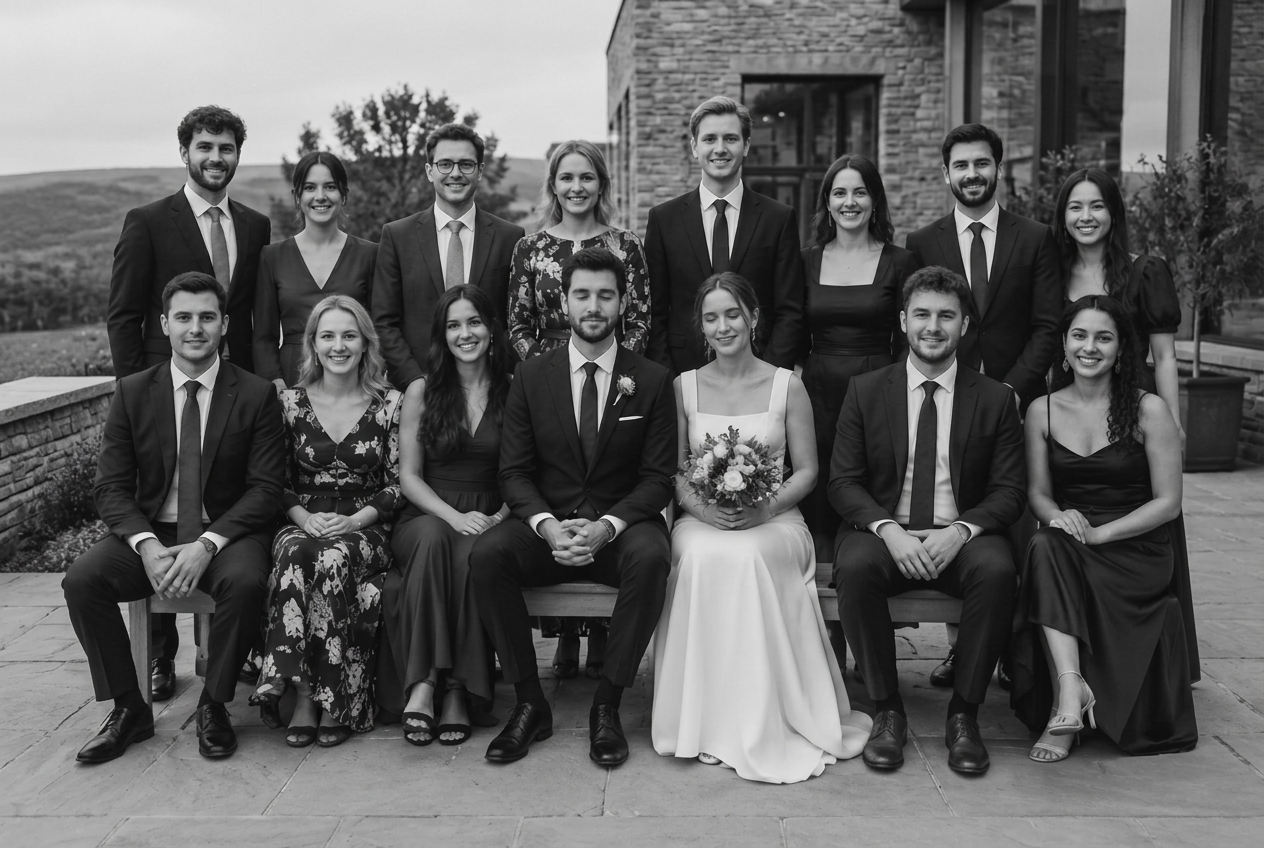
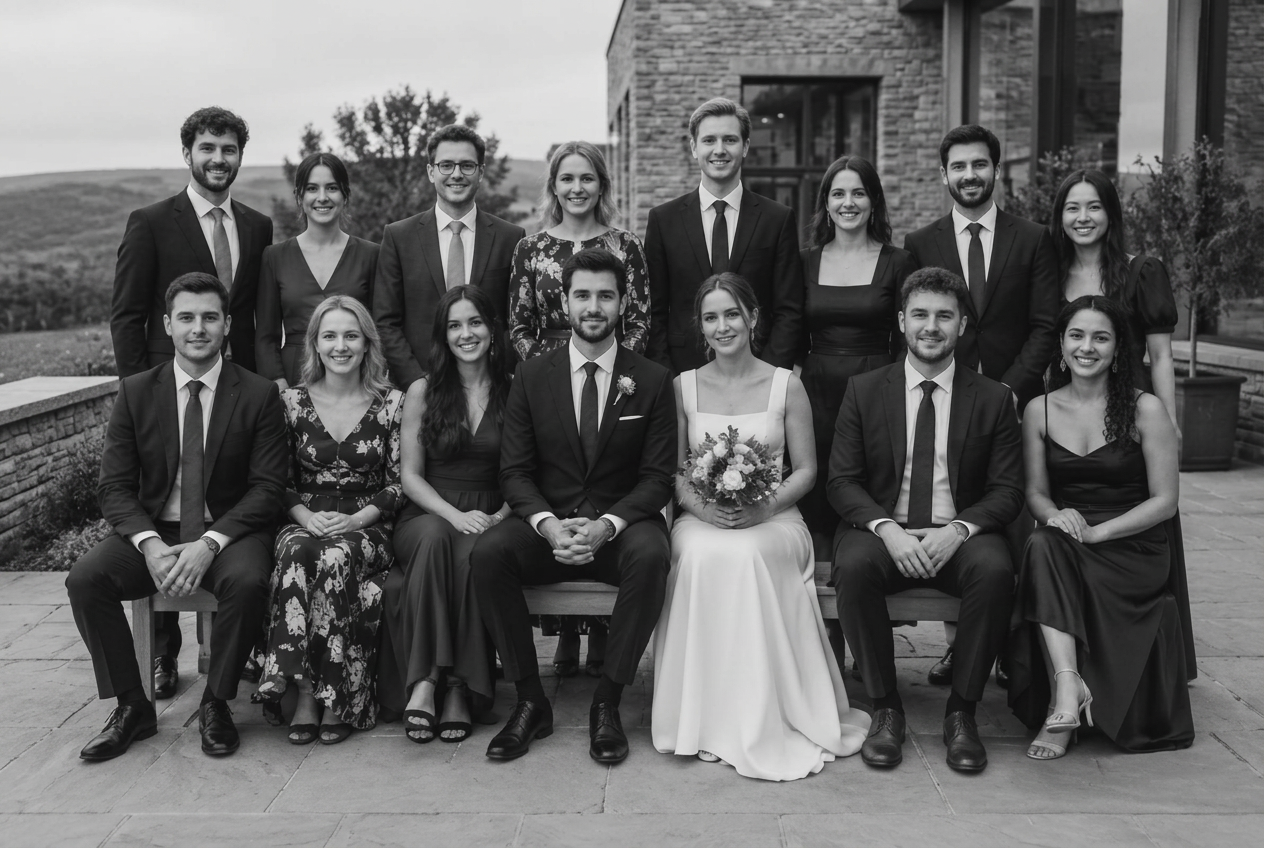
Choose several people, set a repair for each, then use & next person before adding one repaired copy.
Example 1 of 3
These scenes show where the workflow could be useful. They do not claim or simulate verified repair results.
From the Repairs screen
A new copy.
Your original stays.
The approved repair becomes a new 16-bit TIFF, imported into Lightroom Classic and stacked with the unchanged original. Your RAW and develop settings stay intact.
Photo processing stays on your Mac.
Original
New 16-bit TIFF
Placeholder feedback
From photographers
Placeholder testimonials — real feedback coming soon.
Lorem ipsum dolor sit amet, consectetur adipiscing elit. Sed do eiusmod tempor incididunt ut labore et dolore magna aliqua.
Lorem ipsum dolor sit amet, consectetur adipiscing elit. Sed do eiusmod tempor incididunt ut labore et dolore magna aliqua.
Lorem ipsum dolor sit amet, consectetur adipiscing elit. Sed do eiusmod tempor incididunt ut labore et dolore magna aliqua.
01 / 01
One offer
Early bird lifetime licence
$99USD
One payment. Lifetime use.
No subscription. Choose and compare repairs before saving, with photo processing kept on your Mac.
A valid beta key grants the full lifetime licence free.
Included
- Repair eyes, smile (Beta), or whole face (Beta)
- Choose a separate selected source for eyes and smile
- Choose one or multiple people
- Compare Before and After on the Repairs screen
- Keep the original unchanged
- Return a new 16-bit TIFF to your catalogue
- Process photographs locally on your Mac
Current beta and installation details
Assisted installation. The beta is not Apple-notarised and installs as Nearframe (Friends Beta). No download starts from this preview page.
Requirements
Apple SiliconM1 or newer

macOS15.2 or newer
Lightroom Classic13 or newer
Not supported on Intel Macs, Windows, or Adobe’s cloud/mobile photo apps.